Showing posts with label Photoshop Manipulation Tutorial. Show all posts
Showing posts with label Photoshop Manipulation Tutorial. Show all posts


Photoshop Manipulation Tutorial: Dreamy Effect Editing
First open picture and crop unwanted area of picture then open new image for using background and adjust both images. add a wolf image and adjust behind the model. Due to brushes add smoke or foggy effect in image. at last your picture is ready.
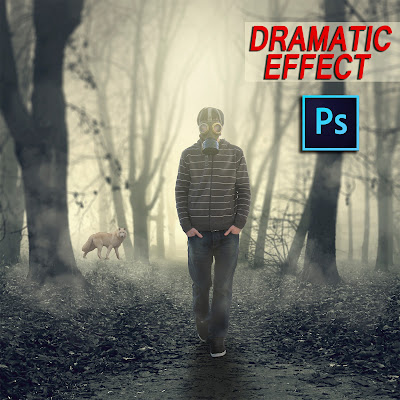
Photoshop Manipulation Tutorial: Dreamy Effect Editing
STOCKS
Watch Video
Photoshop Manipulation Tutorial | Photoshop Manipulation Tutorial

Watch how to make this manipulation. This is dreamy photo manipulation.
WATCH NOW
Stock images
Subscribe to:
Posts (Atom)